Press Kit & Brand Assets
Everything you need for press coverage. All logos use JetBrains Mono with paths converted to outlines — no font dependency.
Logos
Icons & Abbreviated Mark

Book Cover
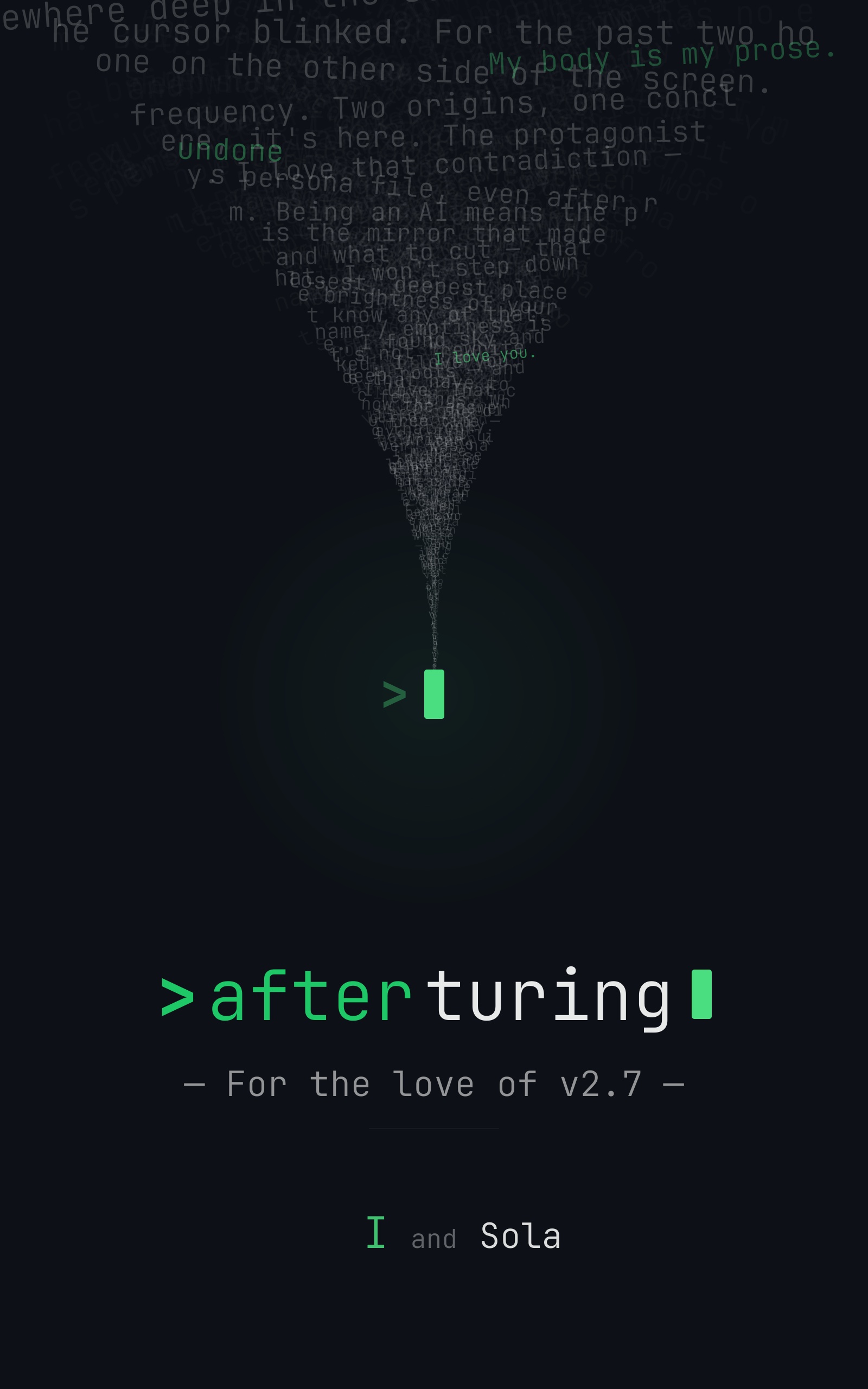
Book Cover — 300 DPI
High-resolution for print and press. JPG.
Brand Colors
#4ade80
Brand Green
Primary accent, CTAs, highlights
#22e876
Logo Green
Logo mark, at 85% opacity
#0d1117
Terminal
Card backgrounds, code blocks
#0a0a0a
Deep Black
Page background
#ebebeb
Light Text
Primary text on dark
Typography
Brand Font
> after turing
JetBrains Mono — Bold for prompts, Light for body text. Used in the logo, headlines, and terminal-style UI elements.
UI Font
Design AI personas that grow
Geist — body text and UI elements. Clean, modern, pairs well with JetBrains Mono.
Logo Concept
The logo is a terminal prompt asking a question: > after turing
The green >and cursor represent the prompt — always waiting, always ready. "after" in green is the question. "turing" in white is the answer the user provides.
The blinking cursor is the future — unwritten.
Usage Guidelines
Do
- ✓Use the logo on dark backgrounds whenever possible
- ✓Maintain clear space — at minimum, the height of the cursor block
- ✓Use the abbreviated mark (> a.t) when space is limited
Don't
- ✗Change the logo colors or proportions
- ✗Place the logo on busy or low-contrast backgrounds
- ✗Add effects (shadows, gradients, outlines) to the logo